Real profile
The substrate follows the available board outline instead of using a generic rectangle. For ODB++ and IPC-2581 it is the outline the file states, cut-outs and slots included — a panel frame never stands in for the board.
 AGBoard - PCBEditor
Interactive 3D inspection
Move from precise 2D layers to an interactive 3D board. Rotate, zoom and flip the assembly to understand its outline, holes, copper stack and component placement.
AGBoard reconstructs the substrate from the board profile and keeps routed edges and drill holes visible. Copper and available component placement data are positioned against the same board coordinates.
Select the substrate or a component directly in the scene, inspect the bottom side and return to the corresponding 2D data whenever more detail is needed.
The substrate follows the available board outline instead of using a generic rectangle. For ODB++ and IPC-2581 it is the outline the file states, cut-outs and slots included — a panel frame never stands in for the board.
Copper layers and holes retain their relative position through the board thickness the file states — 1.6 mm only when it states nothing — and inner copper sits at the depths the stack-up gives.
Components are shown when supported source data provides their package, side, position and rotation. ODB++ parts keep the height and package outline the file gives them.
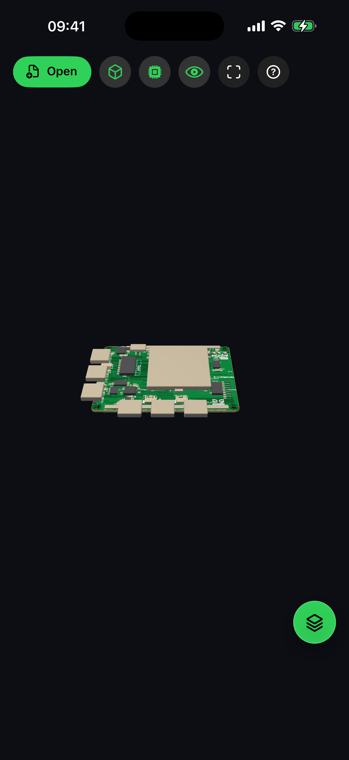
AGBoard builds 3D from supported board geometry. Component detail depends on the placement and package information present in the source file.
Yes. Rotate or flip the board to inspect bottom copper and bottom-side components.
No. Reconstruction and rendering are performed on the device.
Download AGBoard on iPhone or iPad. Five file opens are included before an AGBoard Pro subscription is required.