Component search
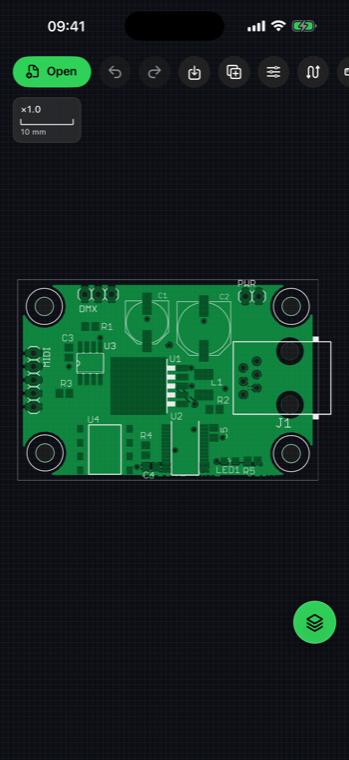
Filter references, values and packages, then centre and highlight the selected component.
 AGBoard - PCBEditor
Components and connectivity
Search by reference, value, package or net name, then highlight the matching board data. AGBoard keeps logical connectivity and physical copper inspection close together.
Component data is read from supported Gerber X3, KiCad, Altium, ODB++, Eagle and BoardView files. Placement files can supplement formats that do not carry assembly information.
Named nets from ODB++, IPC-2581, IPC-D-356 and BoardView can be searched directly. For ordinary copper geometry, AGBoard can also trace physically connected shapes without a netlist.
Filter references, values and packages, then centre and highlight the selected component.
Find signals such as GND or VCC and highlight their associated pads, pins and test points.
Tap supported copper geometry to follow physical connectivity when no logical netlist is available.
No. AGBoard displays component information when the format carries it or when a compatible placement file is imported.
Yes when the source format already carries named nets, including supported ODB++, IPC-2581, KiCad, Altium and BoardView data.
AGBoard can trace supported copper shapes by geometric connectivity, which is different from inventing logical net names.
Download AGBoard on iPhone or iPad. Five file opens are included before an AGBoard Pro subscription is required.