Curves and paths
Lines, arcs, circles, polylines, lightweight polylines, ellipses and spline geometry.
 AGBoard - PCBEditor
2D CAD geometry on a touch workspace
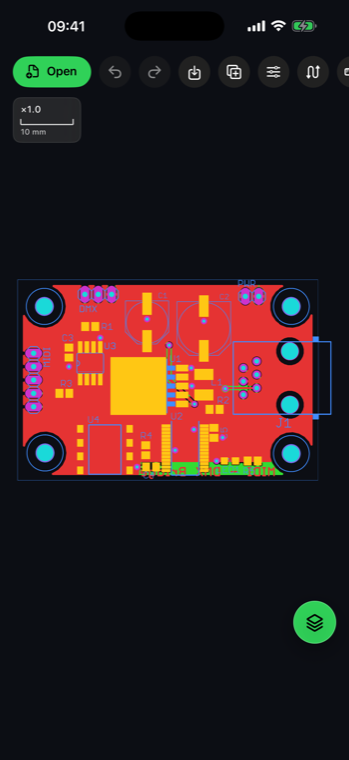
Open an ASCII or binary DXF drawing, control its layers and inspect precise 2D geometry beside the same measurement and editing tools used for PCB fabrication data.
.dxfAGBoard reads ASCII and binary DXF layers and common 2D entities including lines, arcs, circles, polylines, ellipses, splines, blocks, text and hatches.
Layer names remain available in the layer panel, where each layer can be shown, hidden, reordered, locked or recolored.
Lines, arcs, circles, polylines, lightweight polylines, ellipses and spline geometry.
Blocks and inserted geometry are expanded into the interactive drawing view.
Layer organization, text and common filled hatch geometry remain visible for inspection.
The same touch-first tools stay available from a phone or a larger iPad workspace.

Yes. A binary DXF is read directly, with no conversion to ASCII first; it opens like an ASCII one.
Yes. Parsed layer names and their geometry are available in the layer panel.
Compatible shapes can be transformed or edited and saved to DXF; PNG, PDF and CSV outputs are also available where applicable.
Download AGBoard on iPhone or iPad. Five file opens are included before an AGBoard Pro subscription is required.